ACCOUNT & SUBSCRIPTION
Why the panel stops you for a while at sign-in, emails, tax ID checks or new passwords, and when you can try again.
So that nobody can guess passwords or flood inboxes, some actions have a limit: signing in, password reset and confirmation emails, tax ID checks, new passwords for users, and the emails you send to customers. Once you pass a limit, the message tells you when to try again, for example "in 45 seconds", "in 3 minutes" or "at 14:30". Until then that action is refused, while the rest of the panel works as usual.
WHERE TO FIND IT
Sign-in page · Forgot password? · Billing Details · Users
⤢ Enlarge
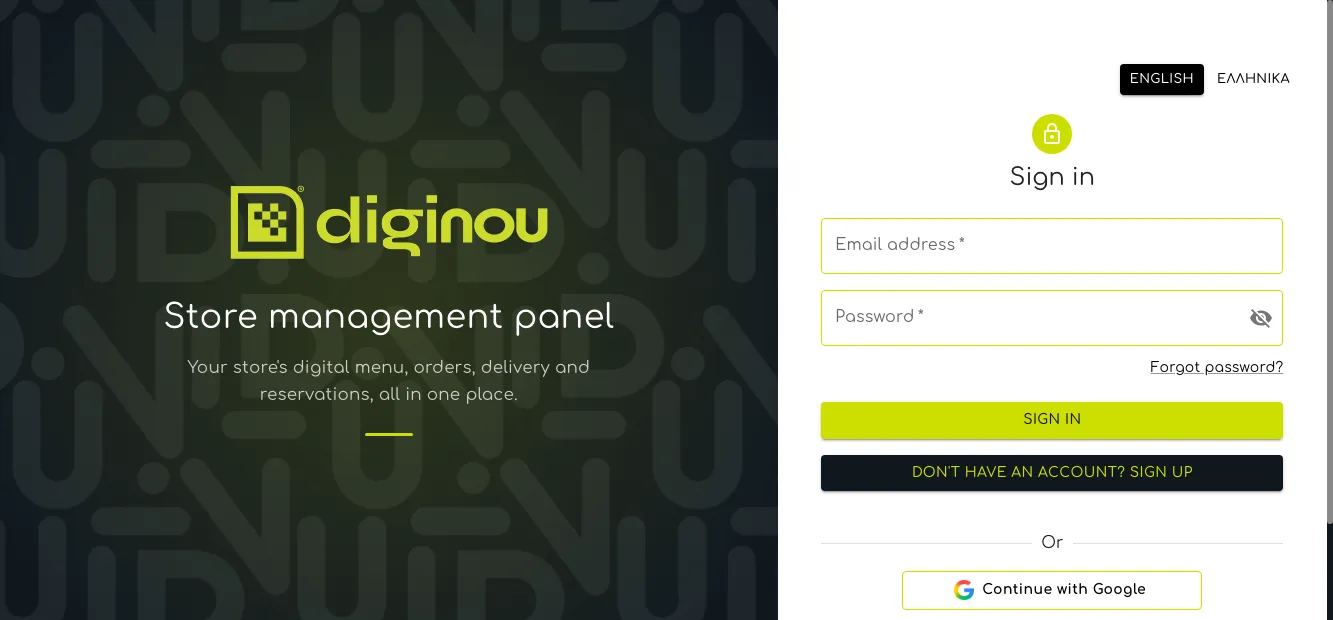
The “Sign in” page. “Forgot password?” is under the password.
After 5 wrong passwords for the same email from the same network within 15 minutes, you see Too many sign-in attempts and when to try again.
Wait as long as it says. If you can't remember the password, press Forgot password? instead of trying more.
With Send reset email and Send a new confirmation email, up to 5 emails an hour go to the same address. After that you see We've already sent several emails to this address and when to try again. Check your spam folder first.
With Check Tax ID, after 30 checks a minute from the same network, you see Too many VAT number checks.
With Send new password for a user, after 3 new passwords an hour, you see Too many new passwords.
When you email a customer a receipt or a payment link, up to 5 an hour go to the same address, and then you see Several emails have already been sent.
For any other action with a limit, such as many menu prints within a few seconds, you see the Too many attempts window with the time.
TIP
A correct sign-in clears the wrong passwords from that network, so whoever gets in starts afresh. Correct sign-ins don't count towards your email's limit, so many devices signing in with the same account at the start of a shift don't fill it. When the wait is more than an hour, the message shows the clock time, for example "at 14:30" or "tomorrow at 09:00".
WATCH OUT
Limits count per network: every device on the store's Wi‑Fi shares the same limit, for example 30 sign-ins a minute. Wrong passwords for your email from many networks at once, 30 within 15 minutes, stop it from signing in anywhere until that window ends. If you see the message without having made a mistake, someone may be trying your email: once you're back in, change your password with Forgot password?. Only the owner changes Billing Details, and Users opens for the owner and managers.




