ORDER INTAKE
Choose the language in which you see the products and options in your orders.
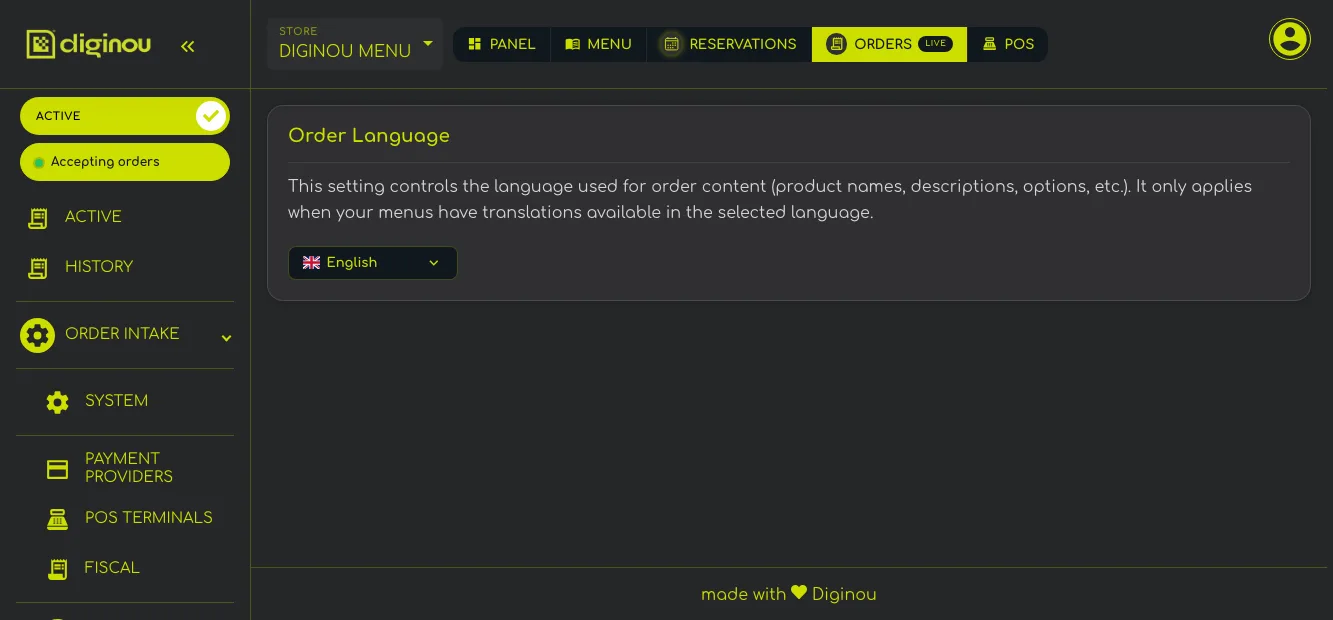
This setting controls the language used for order content (product names, descriptions, options) on the Active and History pages. It doesn't change the language of the panel itself, and it only applies when your menus have translations in that language.
WHERE TO FIND IT
ORDERS → ORDER INTAKE → LANGUAGES
⤢ Enlarge
“Order Language”: the language you read each order’s products and options in.
Open the list under Order Language.
Pick one of the 15 languages, such as Greek or English.
The change is saved at once, with no save button.
TIP
The setting is kept separately on each device, so each staff member can pick the language they read best.
WATCH OUT
The choice is saved only in this browser or device. The default is English. LANGUAGES opens for the owner, managers and the POS Cashier.




